![Base logo_1 base-1.png]](https://support.base.ai/hs-fs/hubfs/Base%20logo_1%20base-1.png?width=91&height=40&name=Base%20logo_1%20base-1.png)
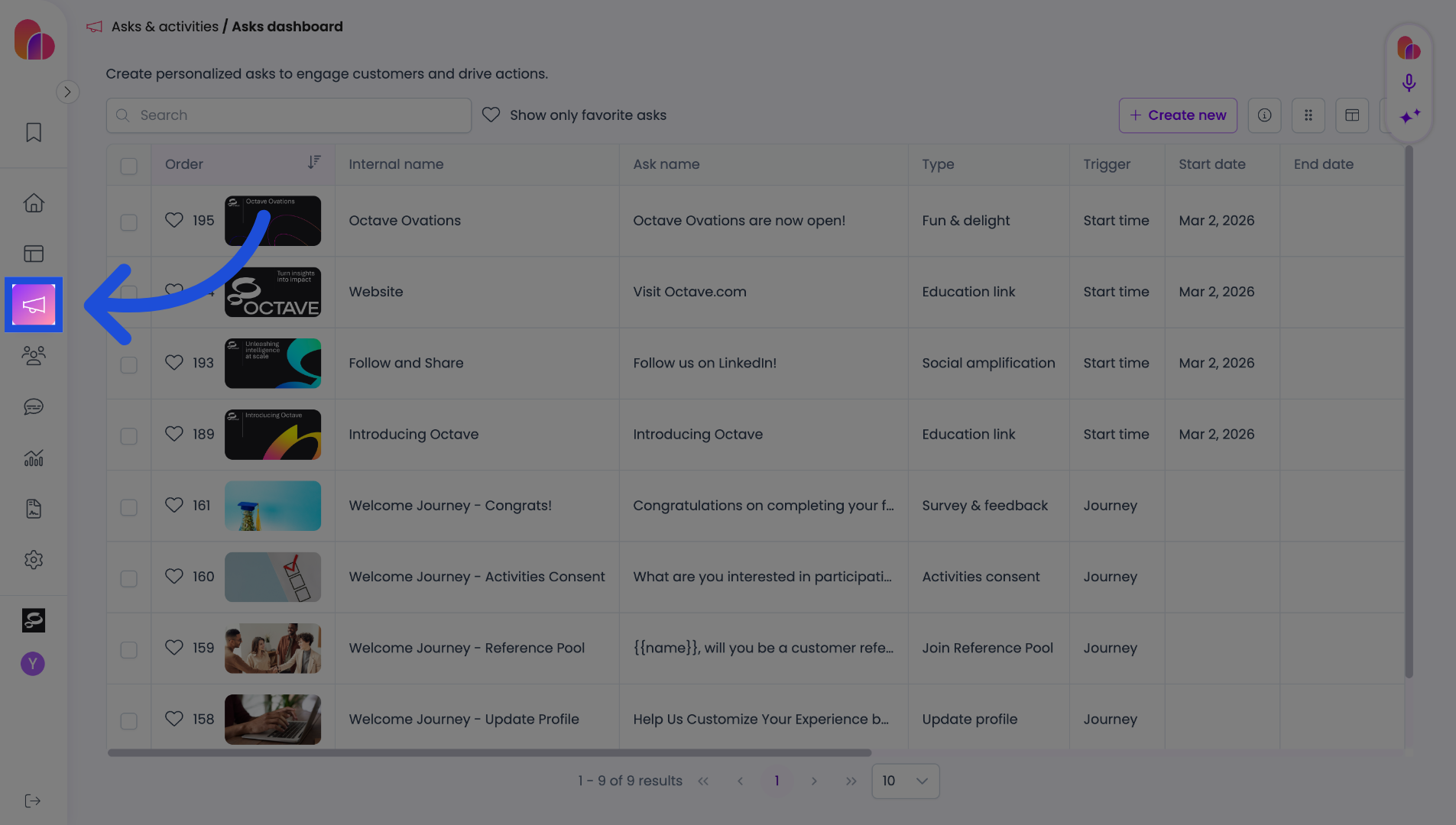
1. Open Asks & Activities
Click here to open the Asks & Activities section in the Base application.
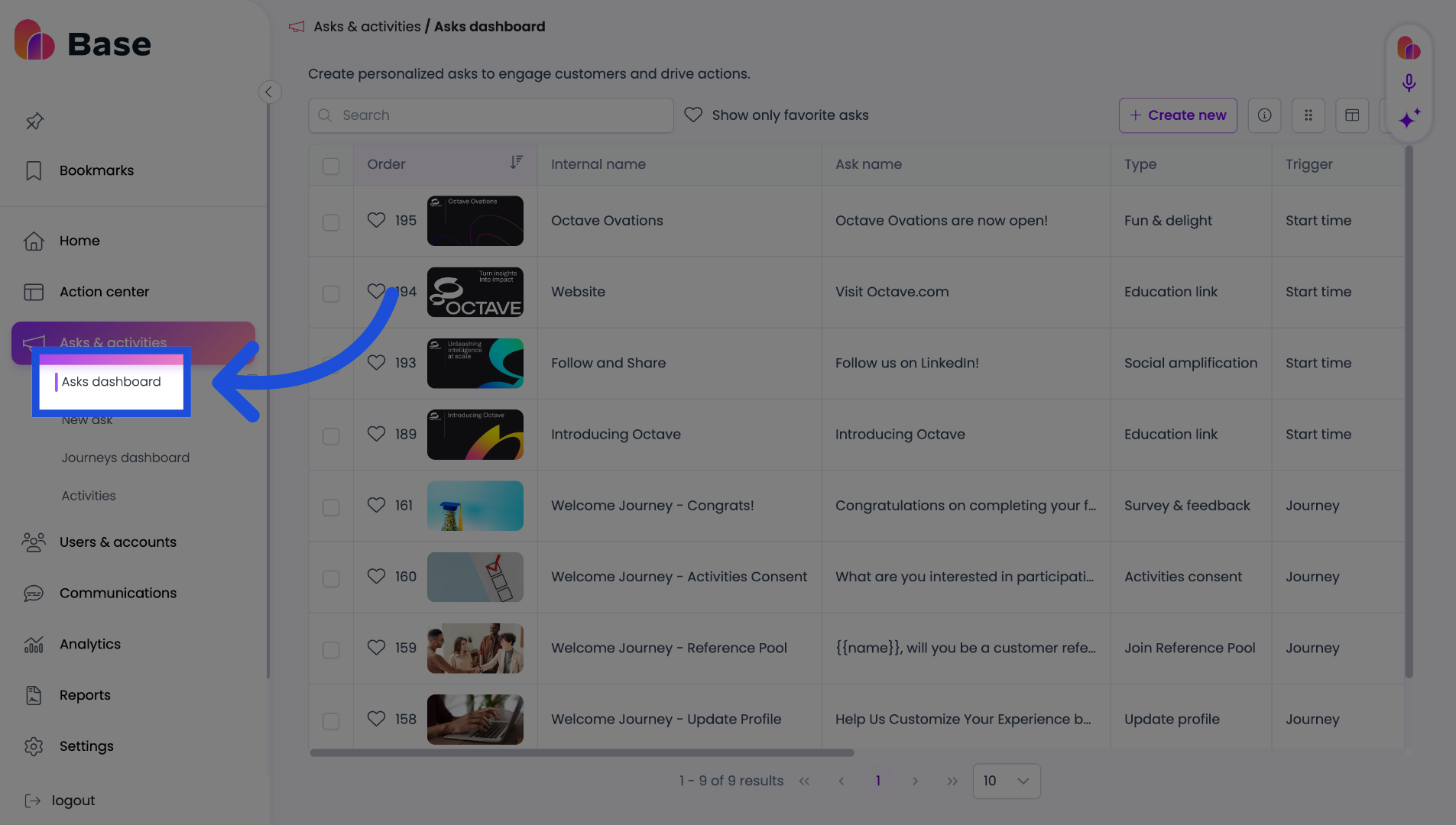
2. Open Asks Dashboard
Click "Asks dashboard"
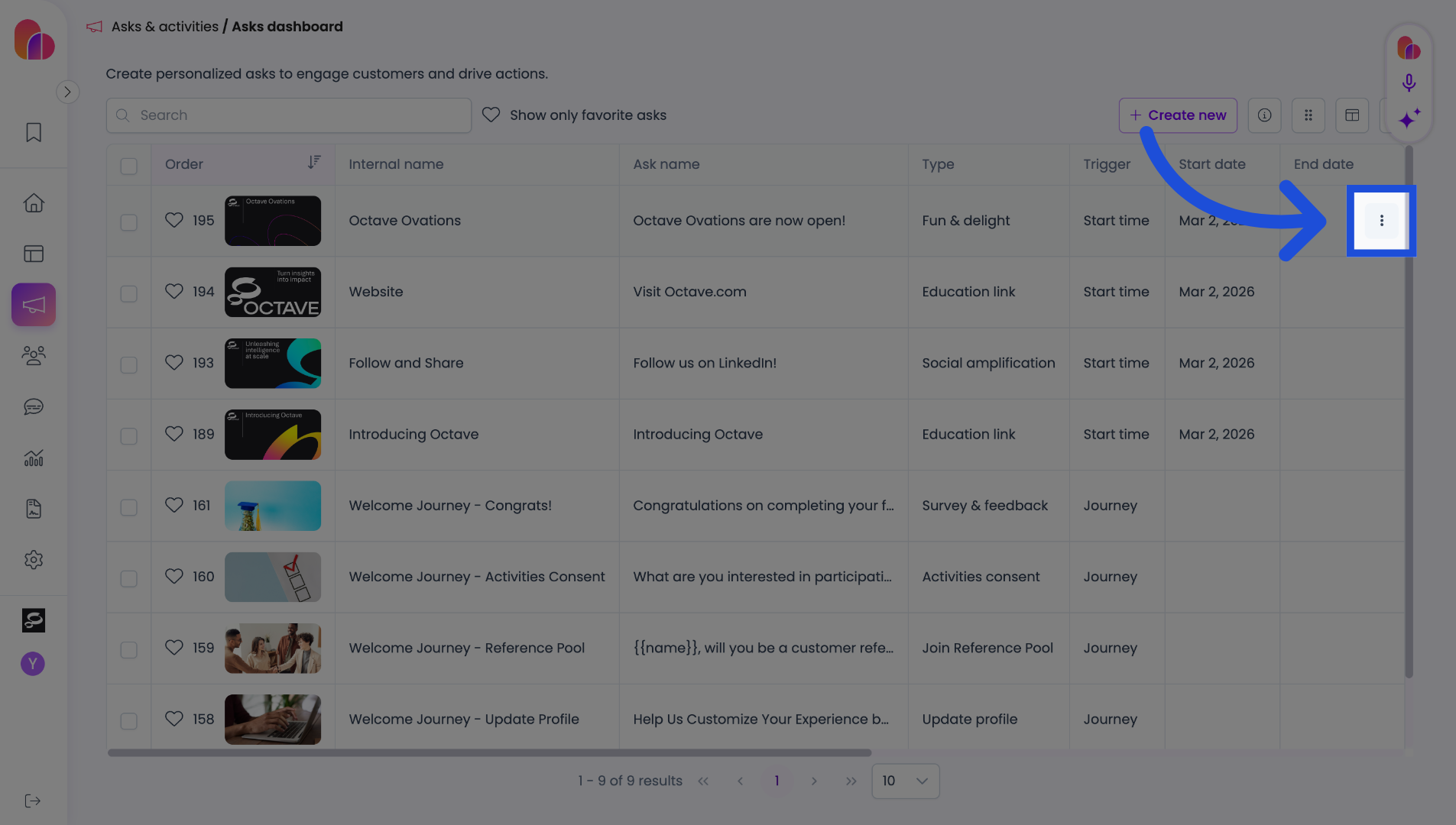
3. Select the ellipses in the far right
Click here to open the options menu.
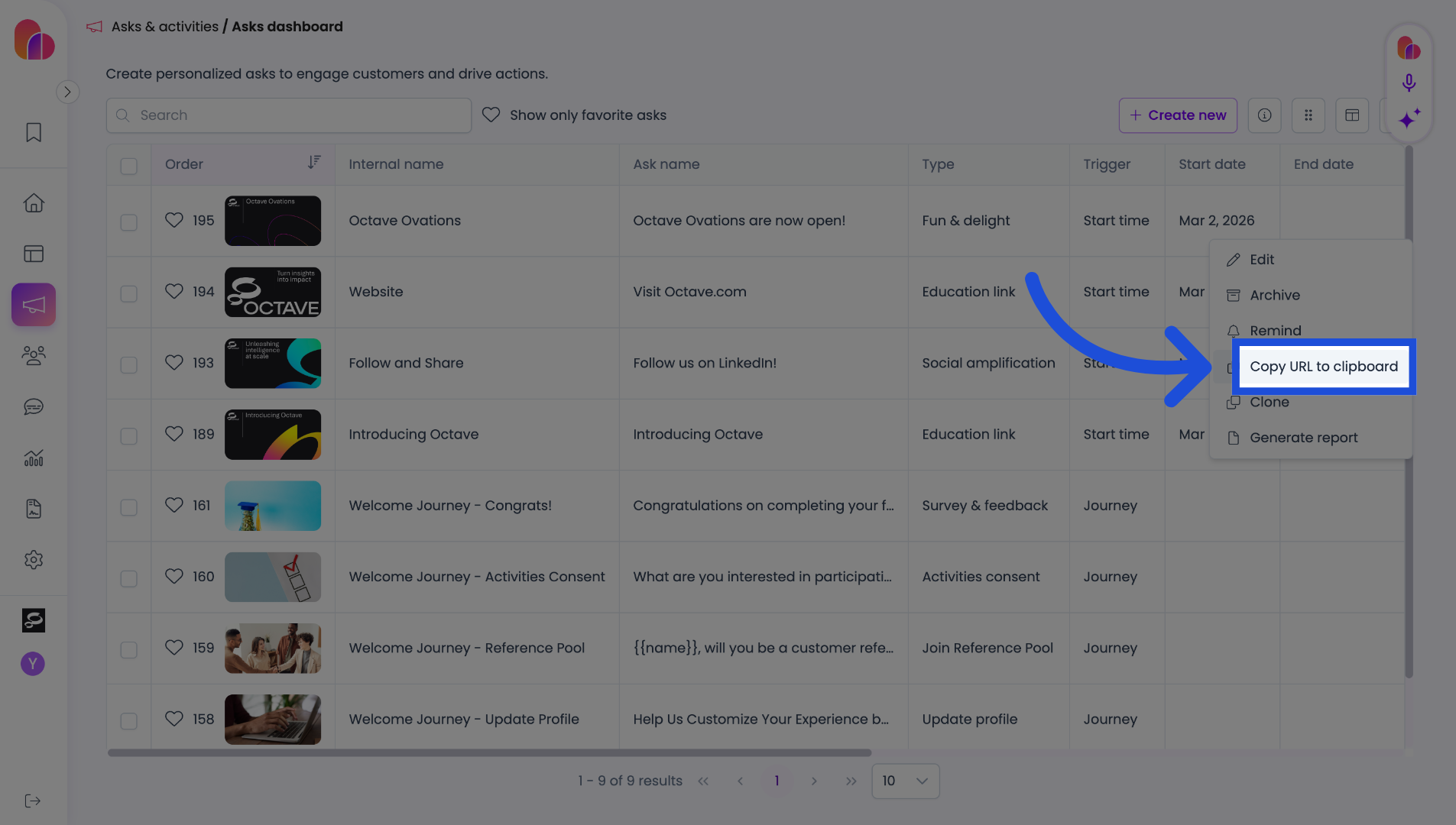
4. Copy Portal URL
Click "Copy URL to clipboard" to copy your portal URL for easy sharing or reference.
The URL copied will also have the ask ID; however, the domain itself can be used as a standalone to take you to the login page. Simply remove //challenge-broadcast/askID from the url.